Build better meeting service request forms, so service providers get all the information they need to do their work. There are 4 different options: short answer, long answer, multiple choice, menu options and file upload.
This article shows the best use for each form option, so the request process runs smoothly. To set up meeting services for your office, see Set up meeting services.
Short answer
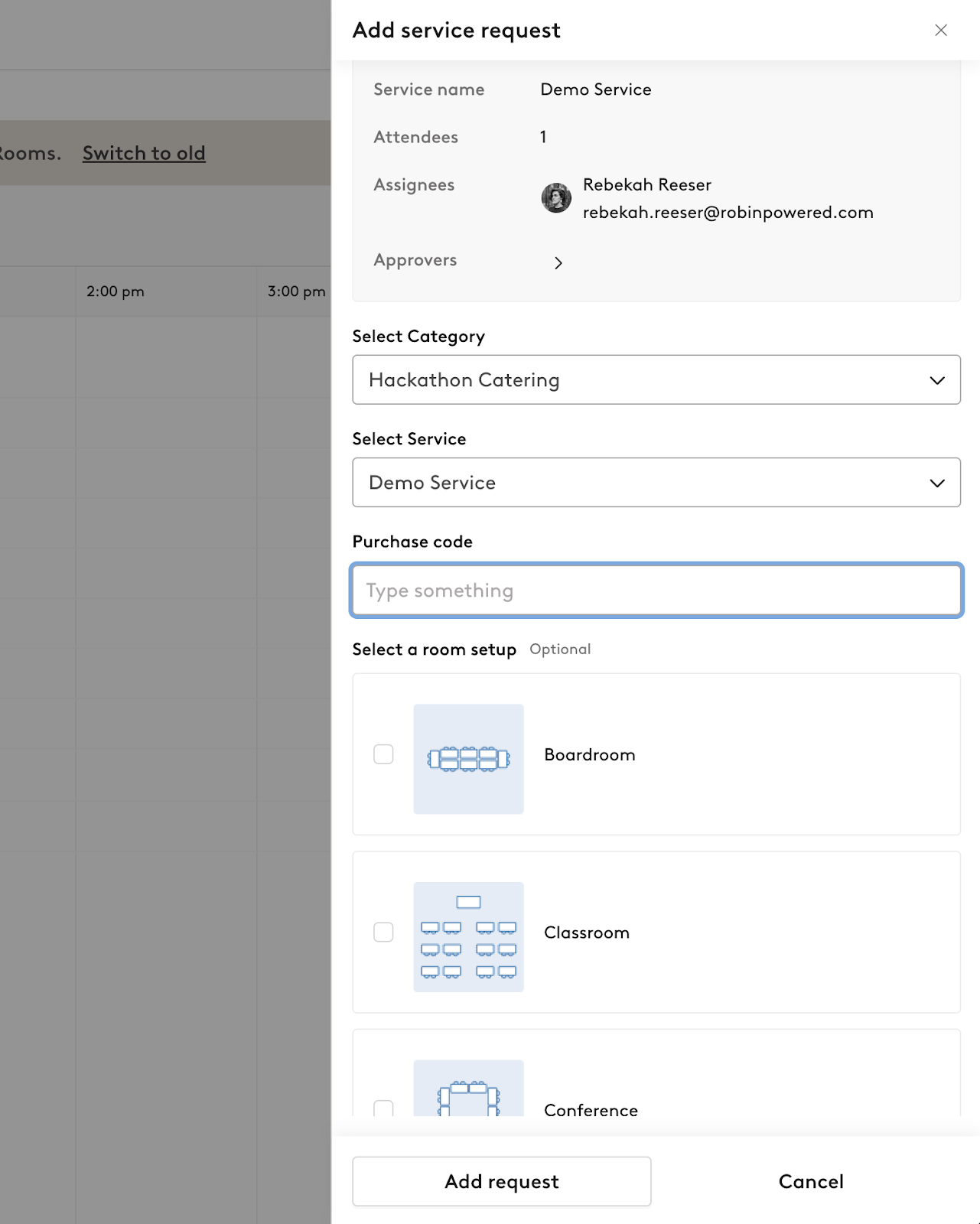
Use short answer questions for quick answers, such as purchase orders or cost codes.
Long answer
Use long answers for descriptions, allergies or other notes.
Multiple choice
Use multi-select for all multiple-choice or single-select questions. Each option can have extra notes or images that users see when they request the service.
When multi-select is unchecked, users can pick only one option from the list.
When multi-select is checked, users can pick more than one option from the list.
You can mark any question as required. Use the buttons to the right of each response to add descriptions or images.
Menu
Use menu options to build custom menus with quantities and localized prices. Each option can have extra notes or images that users see when they request the service.
File upload
Use file upload questions to collect approved purchase orders or other documents that your organization's ordering workflow needs.