If your company changed its name or domain, global admins and owners in Robin can update your organization's name and username in Manage > Organization.
Enter your organization's new name and save your changes. 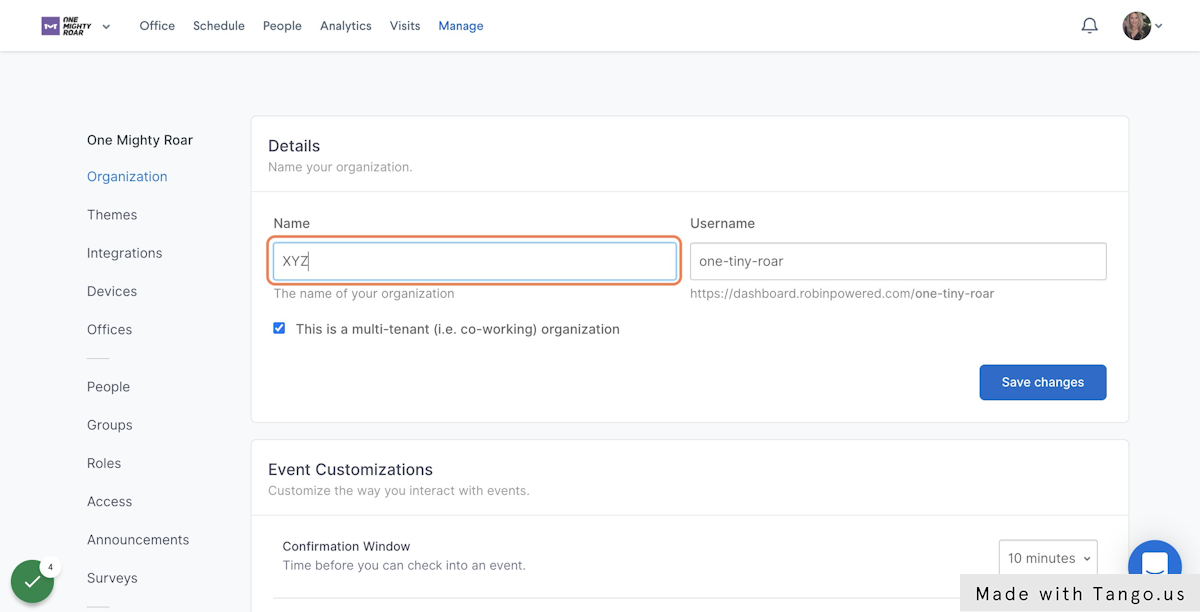
What happens after you change your Robin username
When you change your Robin username (domain), expect these changes:
-
People can be signed out of the Robin calendar extension or the mobile app, or both. They need to sign in again.
-
If you have room displays paired to Robin spaces, pair them again.
-
If people bookmarked your company's direct sign-in page, they need to bookmark the new sign-in page for your new domain.